Fluxketch
Five things that separate an editor from a viewer
- Selection. Tap or lasso entities, and locked layers must be excluded.
- Snaps. Without endpoint and ortho snaps lines don't join. The snap radius has to follow the zoom.
- Numeric input. A fingertip can't hit 3,600 mm. Lengths and angles need a keypad.
- Layer properties. Color, weight and linetype per layer, and hidden layers must leave snaps and plots too.
- Undo and export. Undo must cover CAD and markup, and the result must go back to the office as DXF.
1. Open and confirm the unit
DXF confirms its unit (mm, cm, m, inch, ft) on open. Get this wrong and every dimension and scale after it is wrong. DWG follows the same steps after one conversion (How to open DWG on iPad).
2. Switch between sheet view and CAD mode
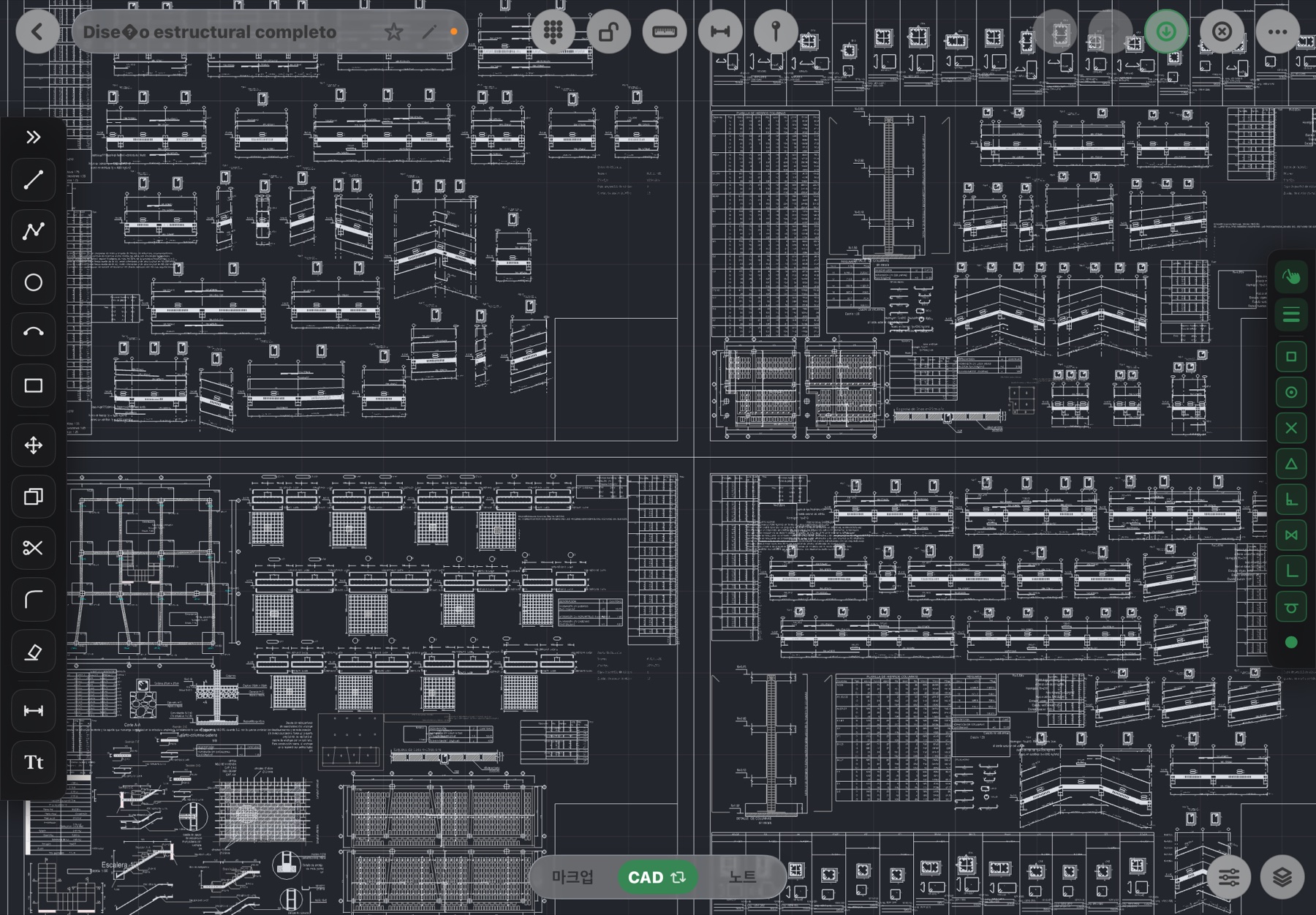
White sheet view shows black lines like a print. Dark CAD mode shows layer colors so you know which layer is which at a glance. Editing works in both, and strokes and pins stay put when you switch.
3. Select, move, trim
- Select: tap an entity or lasso several. Entities on locked layers are skipped.
- Move and copy: tap a base point, then a target. With endpoint snap on, it lands exactly on another entity's end. Distances can be typed on the keypad.
- Trim and erase: pick the boundary, tap the side to remove. Erase removes only the selection.
- Fillet: pick two lines and they join with a rounded corner of the given radius.
- Undo: the undo and redo buttons at the top cover both CAD and markup.
4. Draw — line, polyline, circle, arc, rectangle, text, dimension
With ortho on you draw only horizontal and vertical; endpoint snap joins existing ends. Type lengths on the keypad, and the dimension tool writes the real length with units from two points. Text follows the layer color.
5. Change layer properties
Visibility, lock, color, weight and linetype change right in the layer panel; search finds one of 188 layers. Turn a layer off and the screen, snaps and plots exclude it by the same rule. To recolor one entity, select it and give it an explicit color. If a sheet forces entity colors to the layer color, the app tells you.
Big-drawing tip. Pan and zoom hold 60 Hz on 180,000 entities, but keeping only the layers you need on while editing is faster for both eyes and hands.
6. Export
DXF export in the More menu returns layers, colors, weights and linetypes to office CAD as they are. Plot PDFs carry the scale and a 100 mm check ruler and print markup and pins. Saving to DWG isn't supported yet; open the DXF in PC CAD and save as DWG.
What is better left off the iPad
- 3D modeling, tidying large sets with many external references (Xrefs) and batch-plotting dozens of sheets belong on the office PC.
- The iPad is where you check, fix, record and print on site. The split is covered in Mobile CAD vs laptop CAD.
The steps above are Fluxketch's. If you need real CAD editing on iPad, open your DWG or DXF as it is and try it.
Download on the App Store