 Fluxketch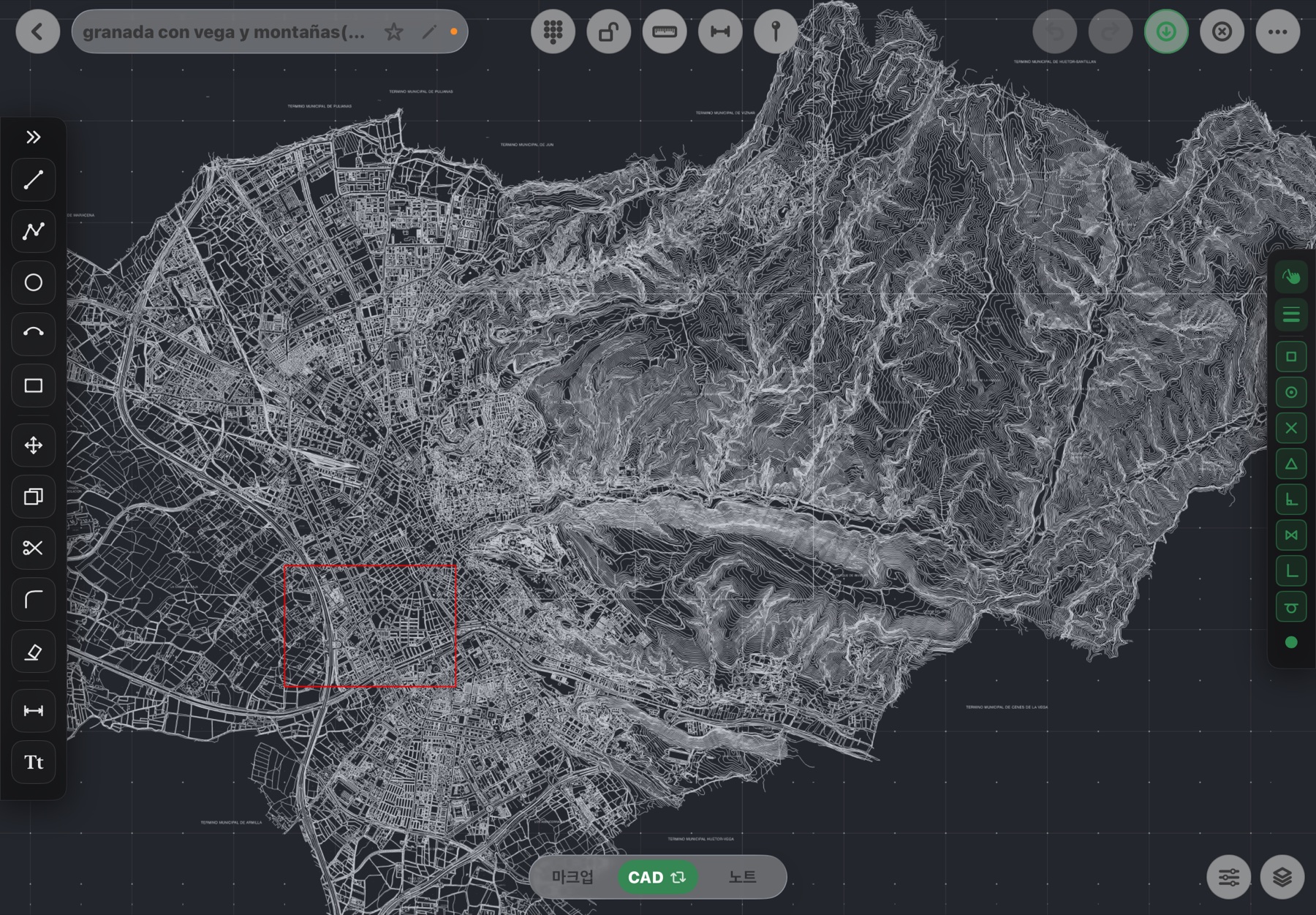
01 Open
Drawings as they are
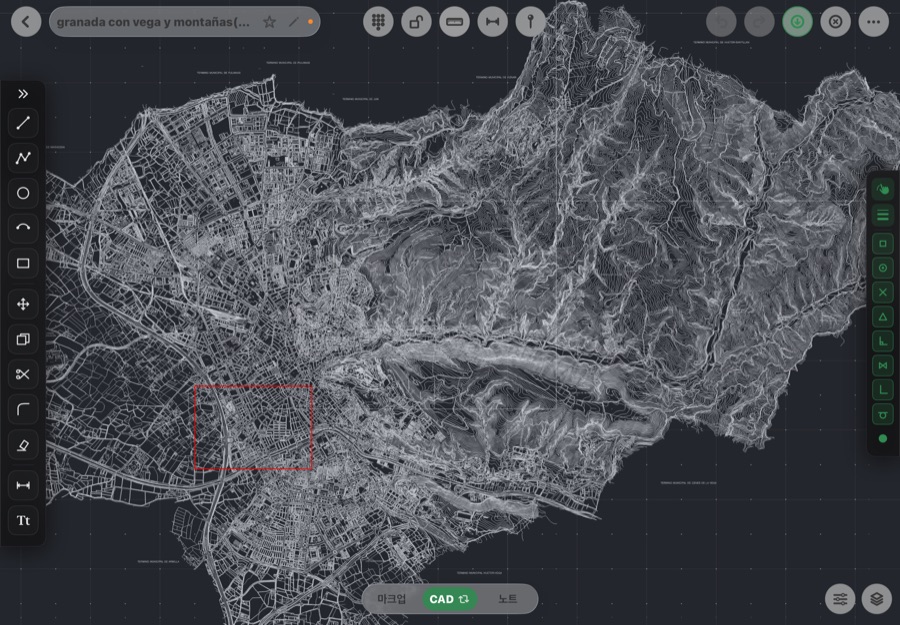
DWG, DXF and PDF with layers, colors, blocks and hatches intact. Smooth even at 1.4M entities.
Open DWG, DXF and PDF as they are, fix them on the spot, mark them up,
and send scale-true PDF and DXF.
Take office drawings out as they are, and send what you touched on site straight back.
DWG, DXF and PDF with layers, colors, blocks and hatches intact. Smooth even at 1.4M entities.
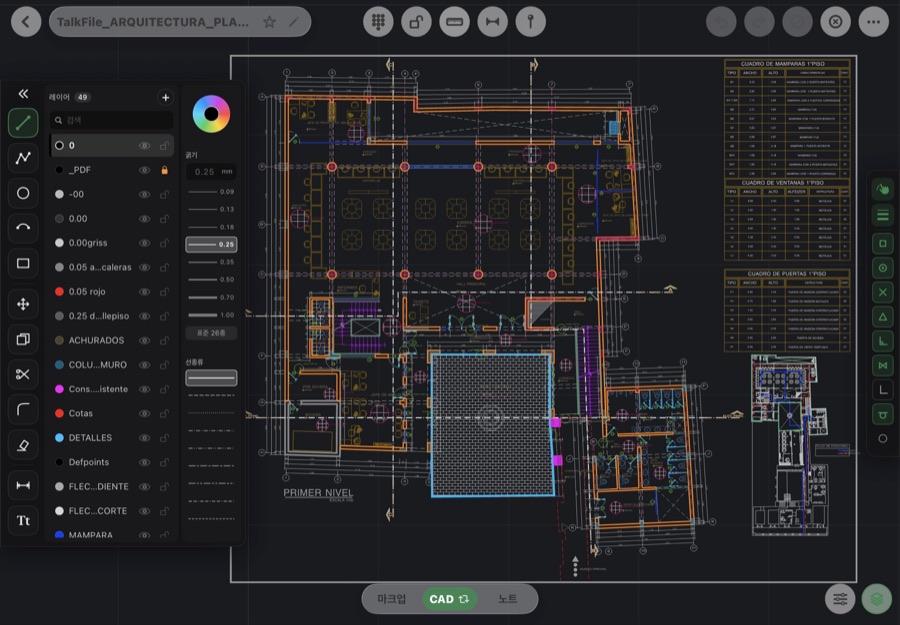
12 CAD tools — line, circle, arc, dimension and more — with endpoint and ortho snaps and a numeric keypad.
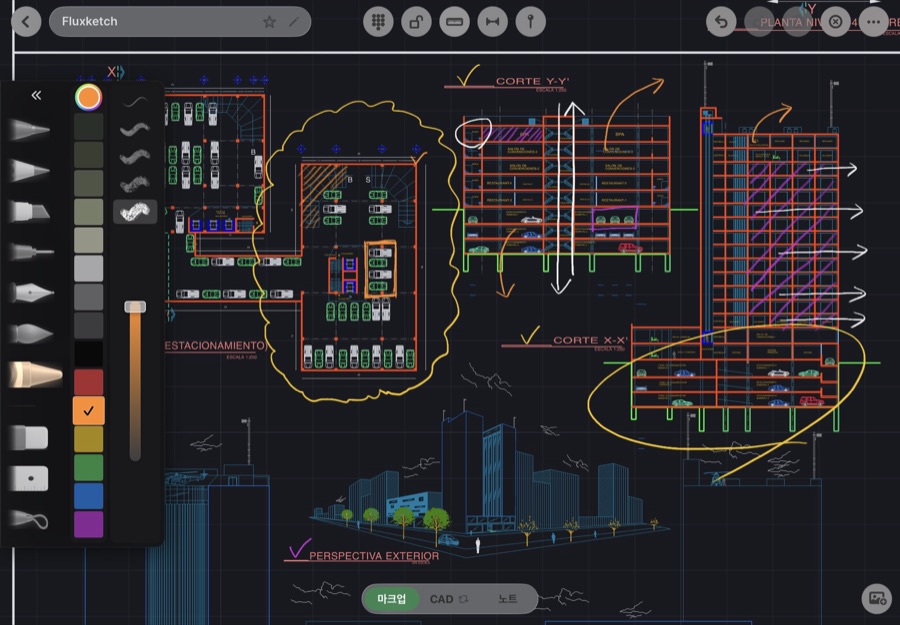
Handwriting locked to drawing coordinates with pencil pressure, pins with photos and notes, note pages.
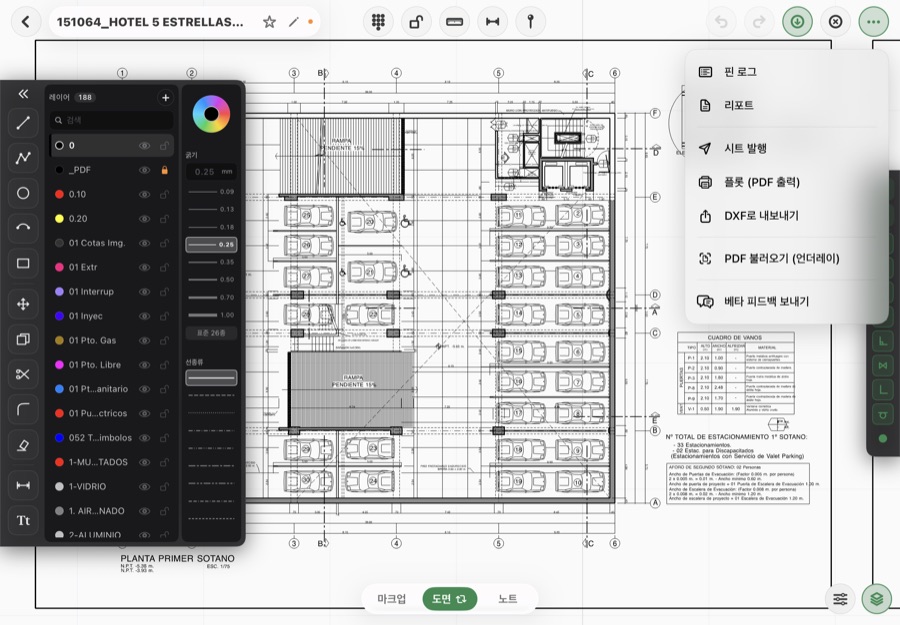
Plot PDF, DXF export, reports and sheet issue. From site to office, right away.
Drafting, numeric input and markup — recorded straight from the app.
Monthly plans start with a 3-day free trial.
Import up to 3 drawings free.
Draw and edit like at the office.
Mark up and record on site.
Everything. Includes the upcoming iPhone version.
Prices shown are for the U.S. App Store; your local price is set by Apple and may differ. Subscriptions renew automatically unless cancelled at least 24 hours before the period ends, and you can cancel anytime in Settings › Apple Account › Subscriptions. Cancel a free trial at least 24 hours before it ends and you won't be charged.
Anything else? Email flux0720@fluxketch.com.
Fluxketch is field CAD for tablets. Open office DWG and DXF drawings as they are, draw and fix them with real CAD tools, mark them up with a pencil, and send back scale-true PDF and DXF. It is an editor, not a viewer.
Free includes 3 drawing imports. Drafting, editing and DXF export are Lite ($2.99/mo, $29.99/yr); markup, photo pins, notes and reports are Markup ($4.99/mo, $49.99/yr); everything is Pro ($7.99/mo, $79.99/yr). Monthly plans start with a 3-day free trial.
Lite is for drafting and editing like at the office. Markup is for marking up and recording on site — markup, pins, notes and reports. Pro gives you both on the same drawing, plus the upcoming iPhone version. Scale-true plot PDF is in Lite, Markup and Pro.
DXF, DWG (server conversion) and PDF (underlay). Layers, colors, weights, linetypes, blocks, hatches, multilines, 3D faces and leaders are imported; anything that isn't gets counted in the import report.
DXF and PDF work fully offline. Only DWG needs the conversion server, so it needs a connection (save as DXF on a PC to work offline).
A tablet and a pencil. Large drawings are most comfortable on M-series models, and we also verify on 9th-gen and A16 models. Search the App Store for "Fluxketch" to download.
Yes. Markup, pins and notes are stored inside the drawing file in drawing coordinates. Plot PDFs carry the ink and pins, and you can share markup and pin photos as one PDF.
Yes. Email flux0720@fluxketch.com with your company, headcount and plan of interest, and we'll help you set up and send a quote.
In Settings > Apple Account > Subscriptions, anytime. You keep access until the period ends, and cancelling a free trial at least 24 hours before it ends means no charge.
Use the app's 'Report a bug now' card or email flux0720@fluxketch.com with the file. Instagram @fluxketch_official works too.
If your team will use several tablets, email us. We'll help you set up and quote for your headcount and use.