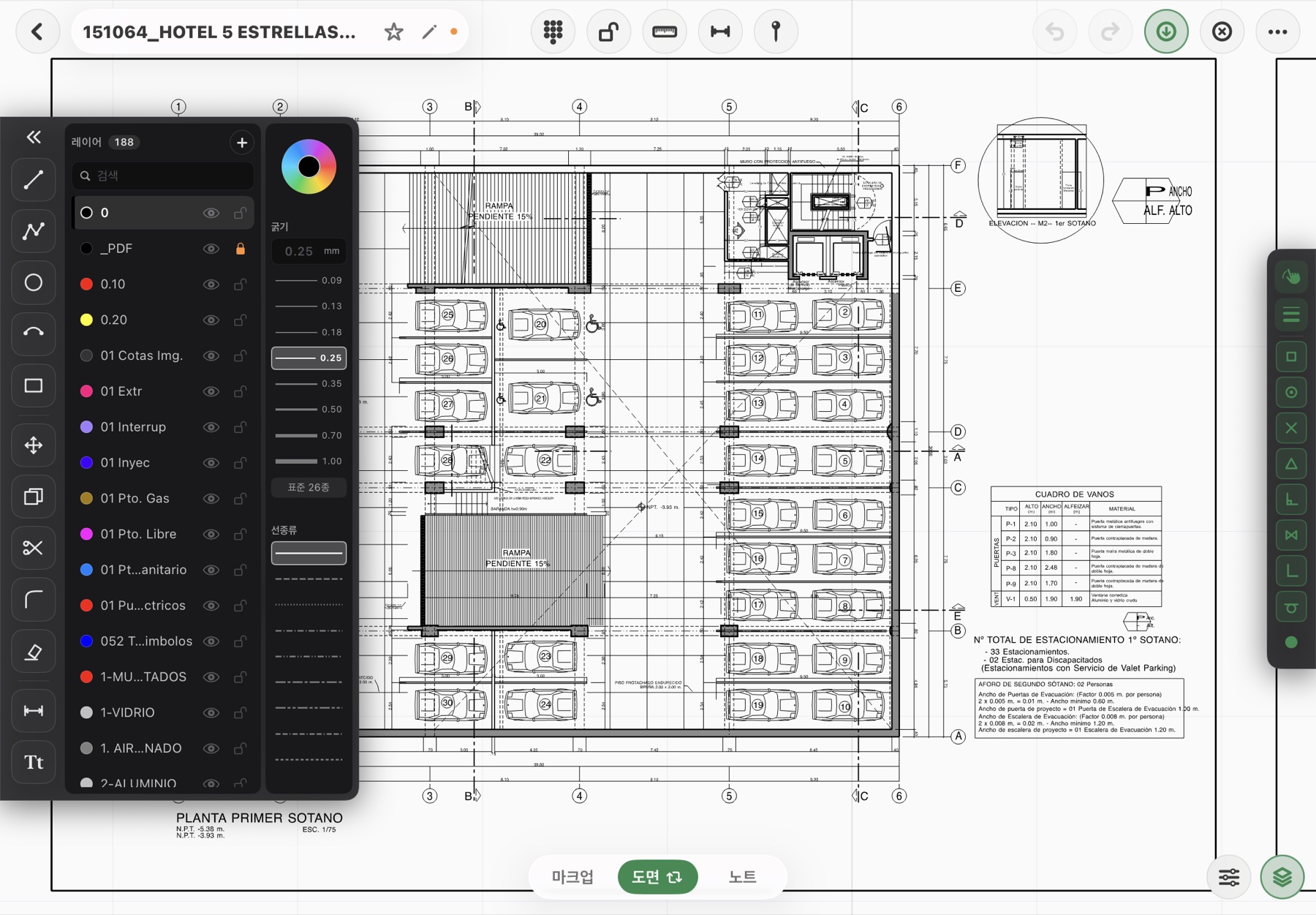
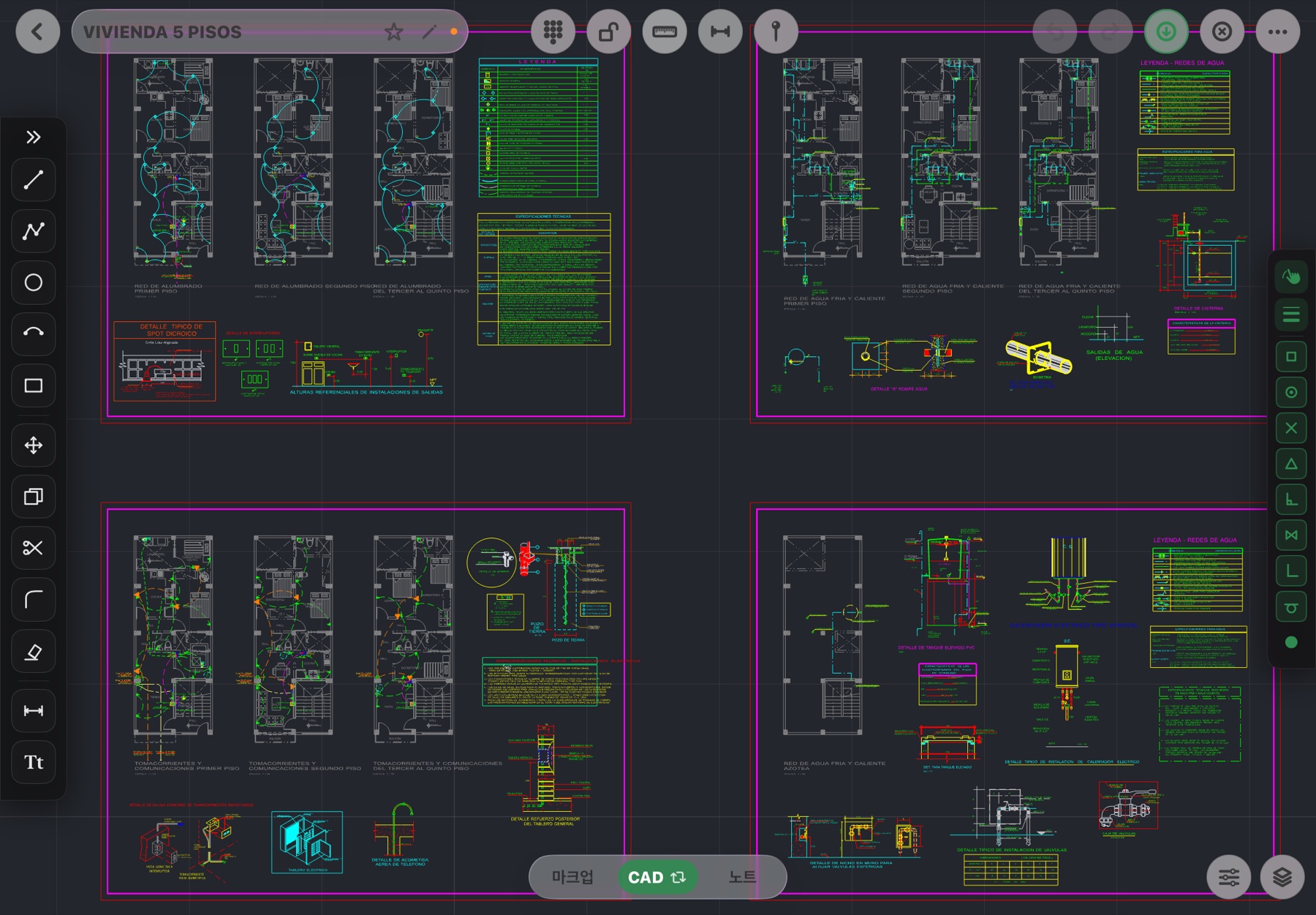
What survives when I open a DWG?
Layers (visibility, lock, color, weight, linetype), by-layer and explicit entity colors, block inserts, hatches, multilines (MLINE), 3D faces, leaders, text and dimensions. Entities drawn in an arbitrary coordinate system (OCS) are placed correctly too.
Is anything not imported?
Yes. Multileaders, wipeouts and regions are not supported yet. Nothing is hidden: the import report lists what was skipped by type and count. Entities on frozen or off layers are imported but kept hidden, and the app tells you so.
Which DWG versions are supported?
Conversion is based on open-source LibreDWG and reads AutoCAD R14 through 2018 formats. It runs on the Fluxketch conversion server and only the resulting DXF comes back to the iPad.
Do I need a connection?
Only when a DWG is first opened. After conversion you open, draw and mark up offline. For a site without coverage, save as DXF on a PC and it's offline from the start.
Can I save back to DWG?
Export is DXF for now. Every CAD — AutoCAD, BricsCAD, ZWCAD and others — opens DXF directly, so save as DWG there. Markup and pins print into the plot PDF.
What about large files?
A DWG of tens of megabytes grows four to six times as DXF. Fluxketch decides by entity count and the device's free memory, not file size, and has opened drawings of 1.4 million entities. If it can't, it tells you why.
What about truncated or damaged DWGs?
Files cut short by mail or chat apps are flagged by the conversion server as missing their end-of-file, and the app waits for iCloud downloads to finish before reading. Get the original again and open it.
What if all I have is a PDF?
Open it as an underlay, set the scale with two points and snap to its vector lines while you draw. See the DXF on iPad page for details.
 Fluxketch