Fluxketch
How do I set the scale?
Choose a scale from 1:1 to 1:1,000 and a paper size in Plot. The unit confirmed when the DXF was opened is used as-is, so a millimetre drawing plots in millimetres.
Measuring on screen is worthless if the paper is wrong. Fluxketch plot PDFs go out at the scale you set, and a 100 mm ruler on the paper separates our scale from the printer's.
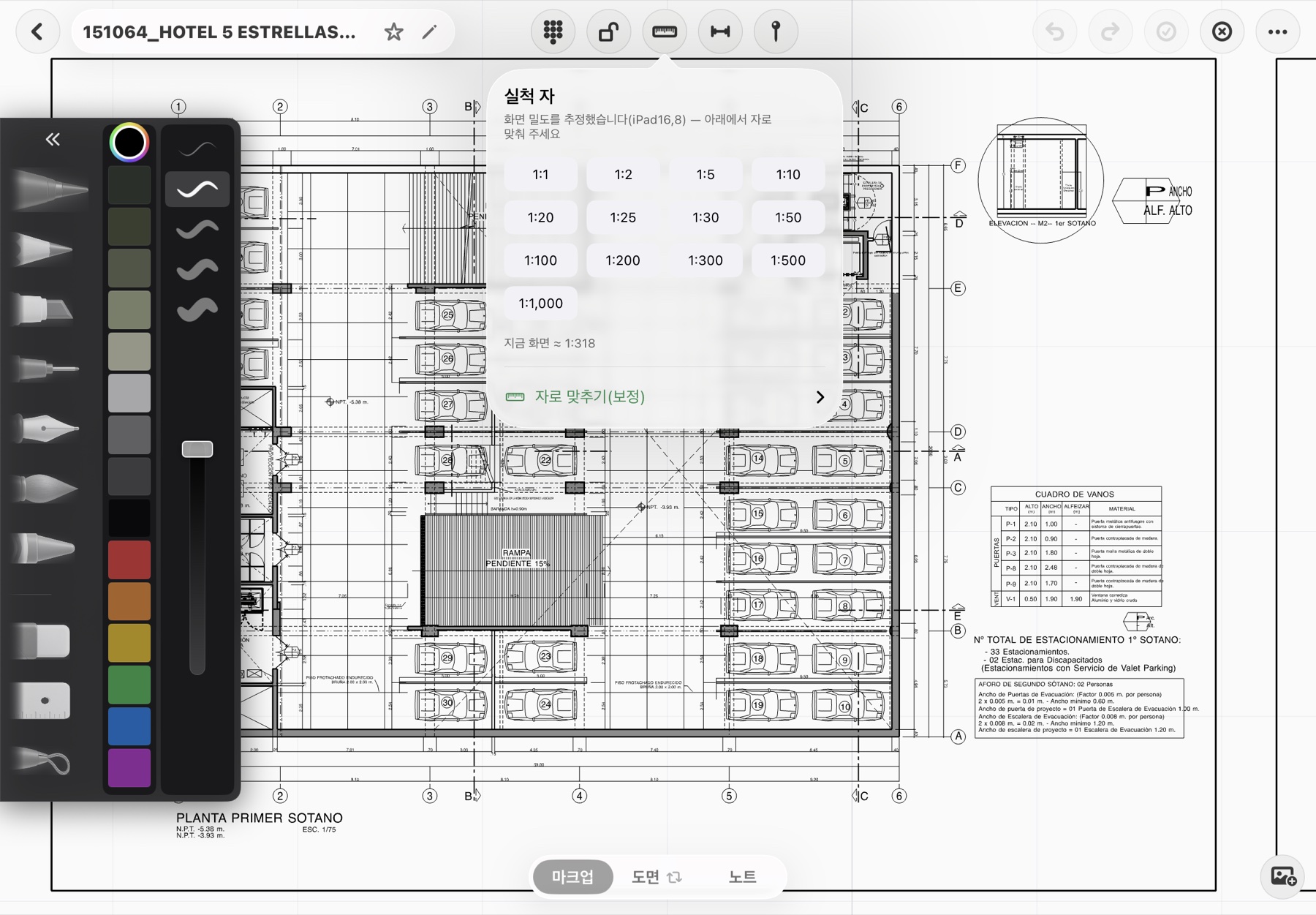
Choose a scale from 1:1 to 1:1,000 and a paper size in Plot. The unit confirmed when the DXF was opened is used as-is, so a millimetre drawing plots in millimetres.
That's why a 100 mm check ruler is printed. Measure it on the paper; if it isn't 100 mm, printer scaling kicked in — reprint at actual size.
Yes. Ink and pins print at the same coordinates as the drawing. Sheet-view rules apply — black lines on white — with no page border.
Sheet issue exports just the sheets you choose. Reports are a separate document with pin photos, notes and positions in table layouts.
The true-scale ruler estimates each device's screen density, so 1:50 shows as 1:50. Calibrate against a real ruler if needed.
No. Plotting renders in the background, so the screen stays responsive, and the share sheet opens when it's done.
Through the iOS share sheet to Mail, chat apps, the Files app or an AirPrint printer. Send it with the report for a meeting.
Yes. DXF export is separate from the plot PDF and returns to office CAD with layers, weights and linetypes intact.
Open Plot in the More menu and choose a scale such as 1:50 or 1:100 and a paper size.
Measure the 100 mm ruler on the print to confirm the printer didn't rescale.
Send through the share sheet to a printer, Mail, chat or the Files app.
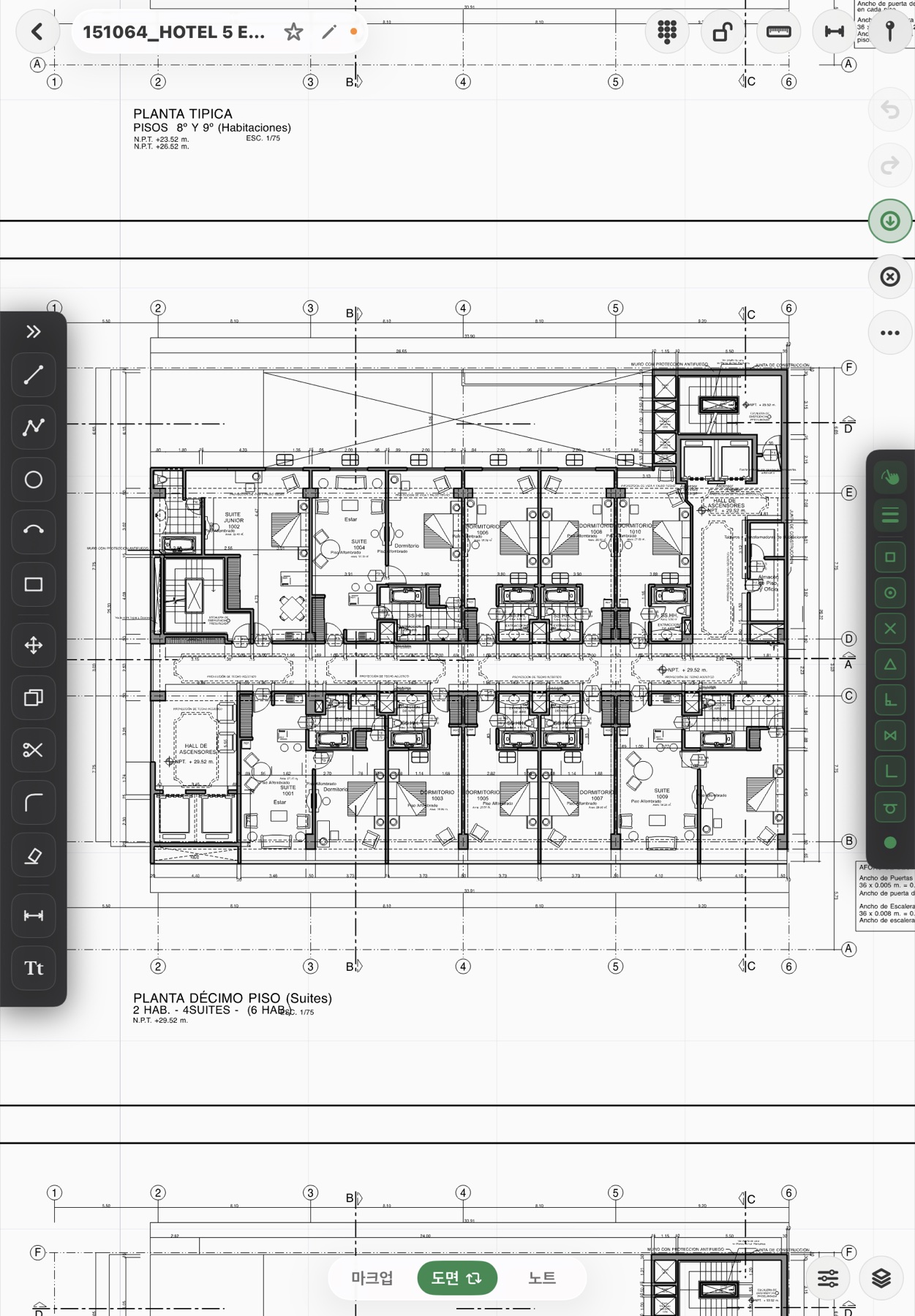
Download it from the App Store and start today. Monthly plans include a 7-day free trial, and Lite is free until October 14.