Won't a wrong DXF unit make the drawing huge or tiny?
DXF asks for its unit (mm, cm, m, inch, ft) on read and corrects coordinates in that unit. Correction is centered on the drawing, so drawings far from the origin land where they should. The true-scale ruler and plots use the same unit.
Which DXF entities are read?
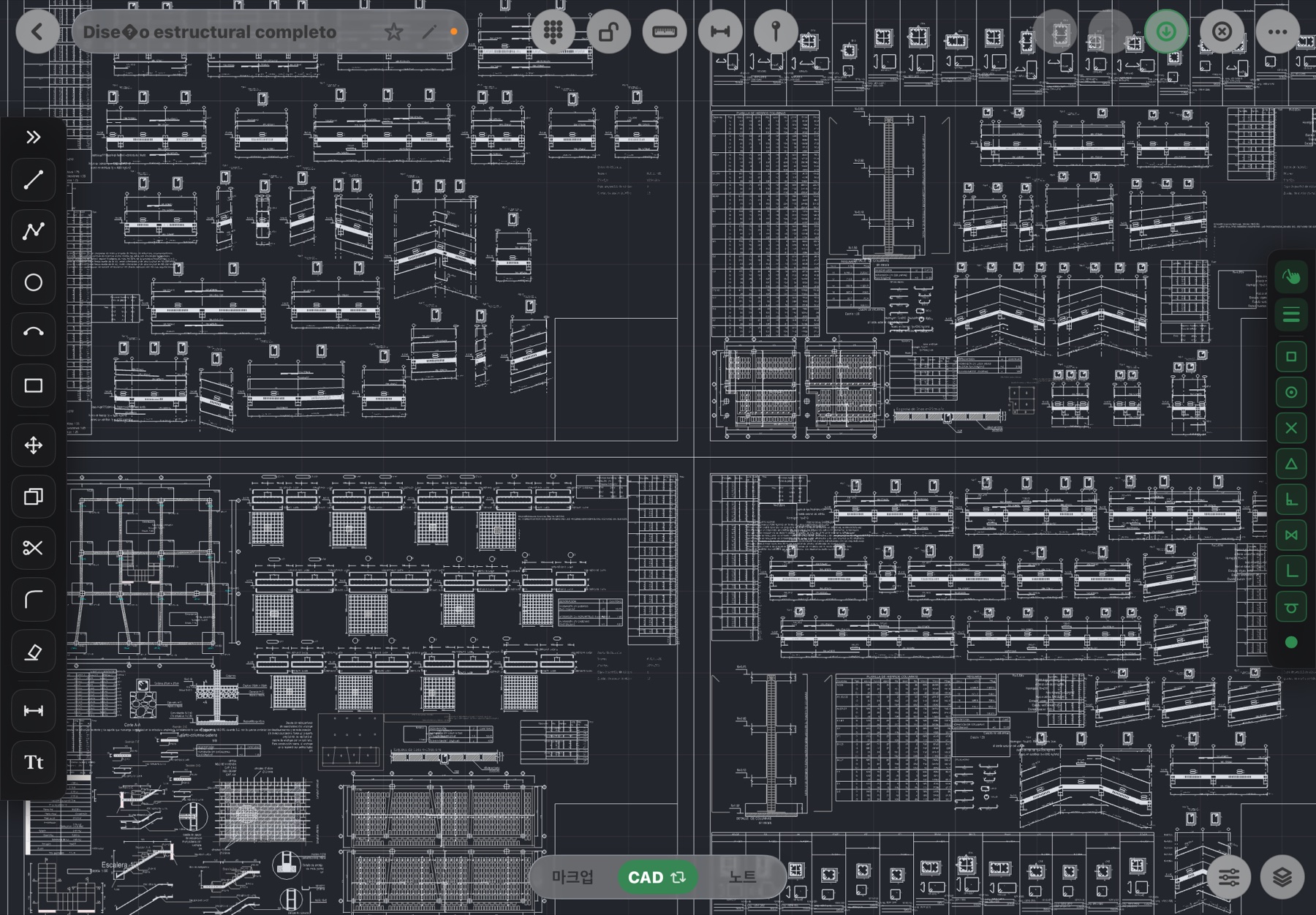
Lines, polylines, LW polylines, circles, arcs, ellipses, splines, text, mtext, dimensions, hatches, block inserts, multilines, 3D faces, leaders and the layer table (color, weight, linetype). Multileaders, wipeouts and regions are counted in the report.
Which DXF versions?
Verified with ASCII DXF saved in AutoCAD 2000 or later formats. If a file won't open, send it to flux0720@fluxketch.com and we'll look.
What goes back when I export DXF?
Layers, colors, weights and linetypes. Markup ink and pins are stored inside the file as separate data in drawing coordinates and print into the plot PDF.
Do large DXFs open?
The file gate is 512 MiB, but the real decision is entity count against the device's free memory. DXFs of 1.4 million entities have opened; if one can't, the app says why.
What if I only have a PDF?
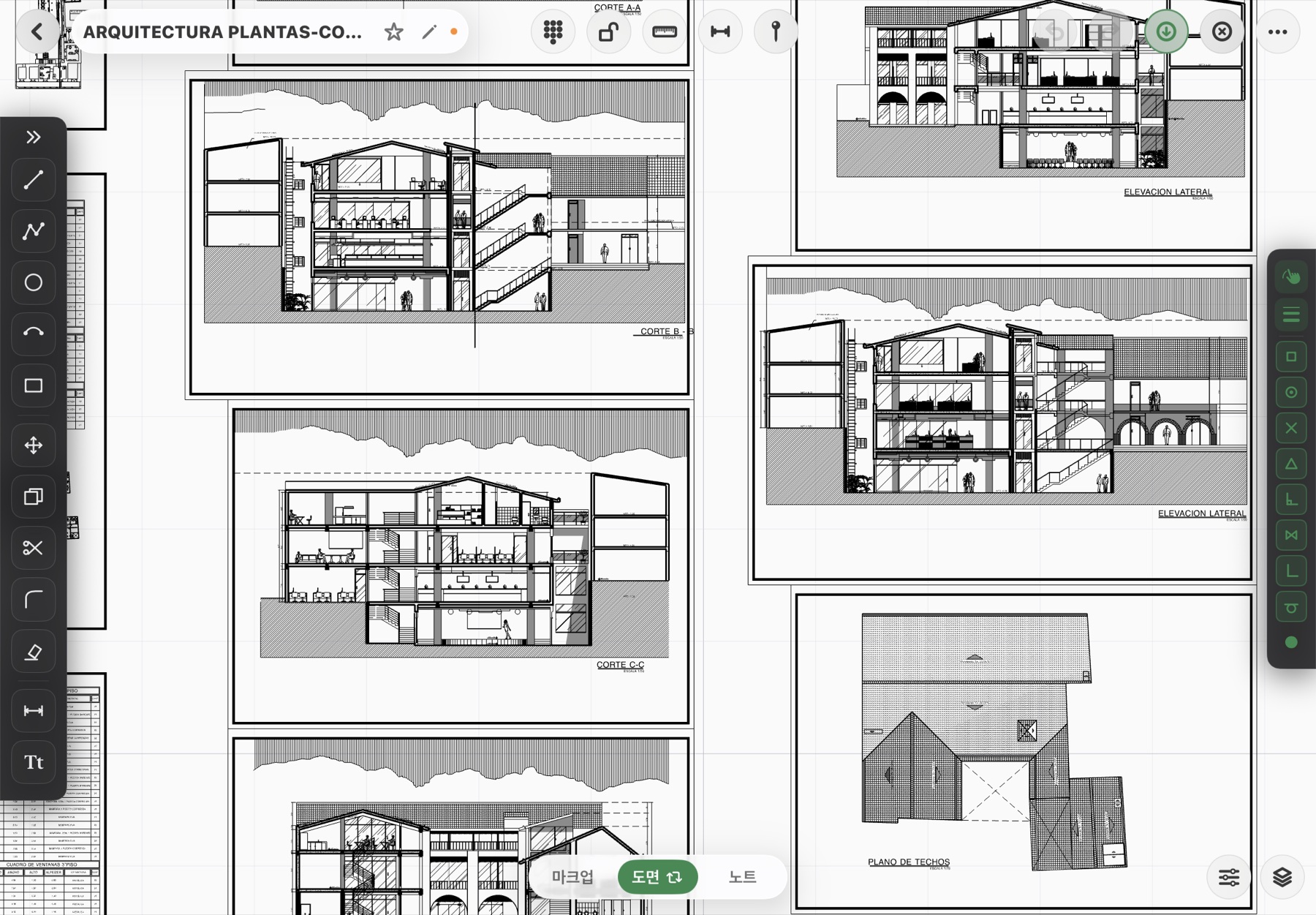
Open it as an underlay, set the scale with two points and snap to the PDF's vector lines while drawing CAD on top. Export what you drew as DXF.
And DWG?
DWG opens through the conversion server as DXF (a connection is needed only on first open). See the DWG on iPad page.
What happens to hidden layers?
Turn a layer off and the screen, snaps and plots all exclude it by the same rule. A locked layer stays visible but can't be selected or edited — the AutoCAD rule.
 Fluxketch