Fluxketch
Which markup tools are there?
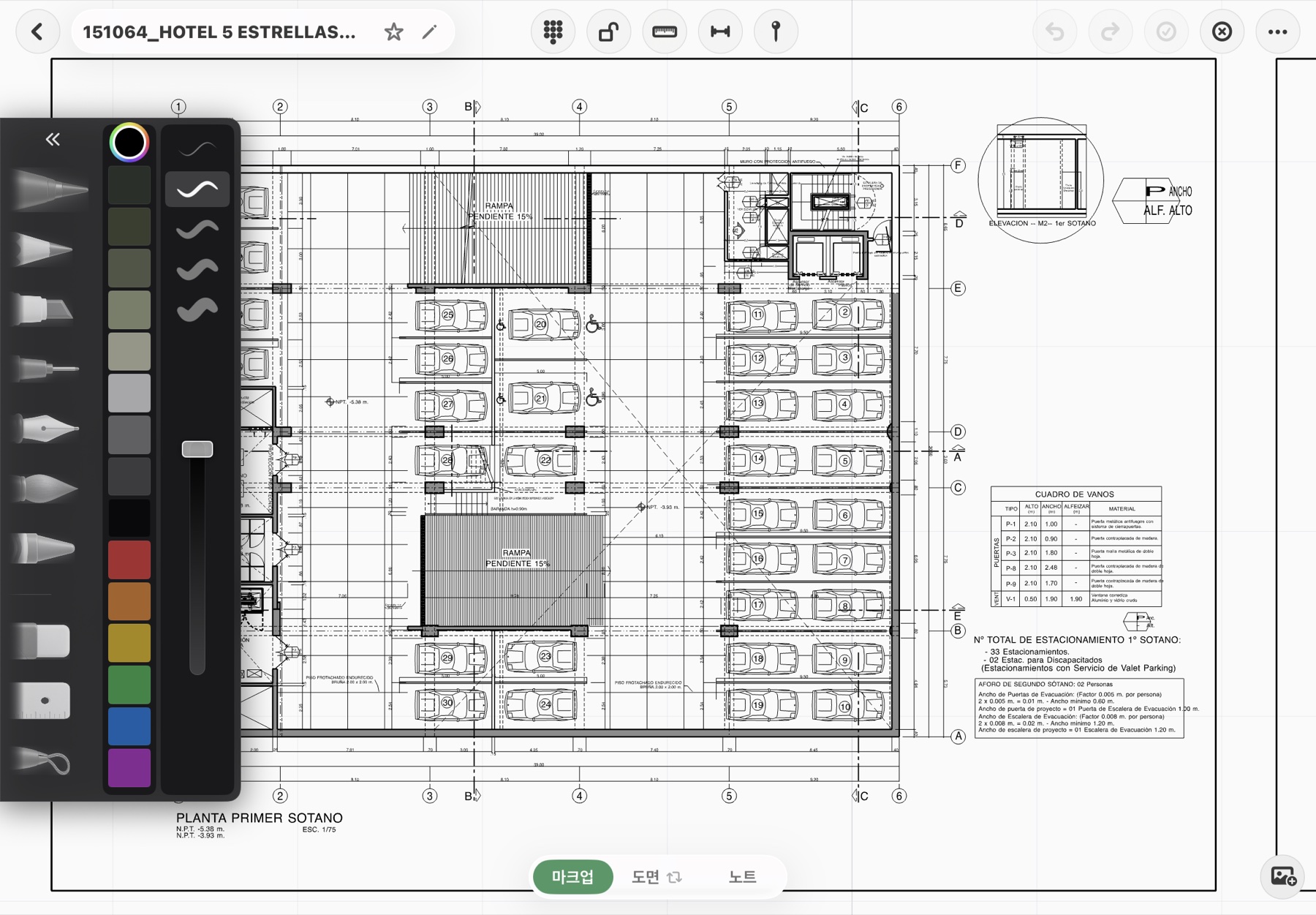
Pen, marker, pencil, eraser, lasso and ruler. Apple Pencil pressure is used as-is, and color and width come from the palette. Undo and redo apply to markup too.
A mark on a screenshot doesn't know where it was the next day. Fluxketch markup is locked to drawing coordinates — same place after zoom, pan or a scale change — and prints as-is into the plot PDF.
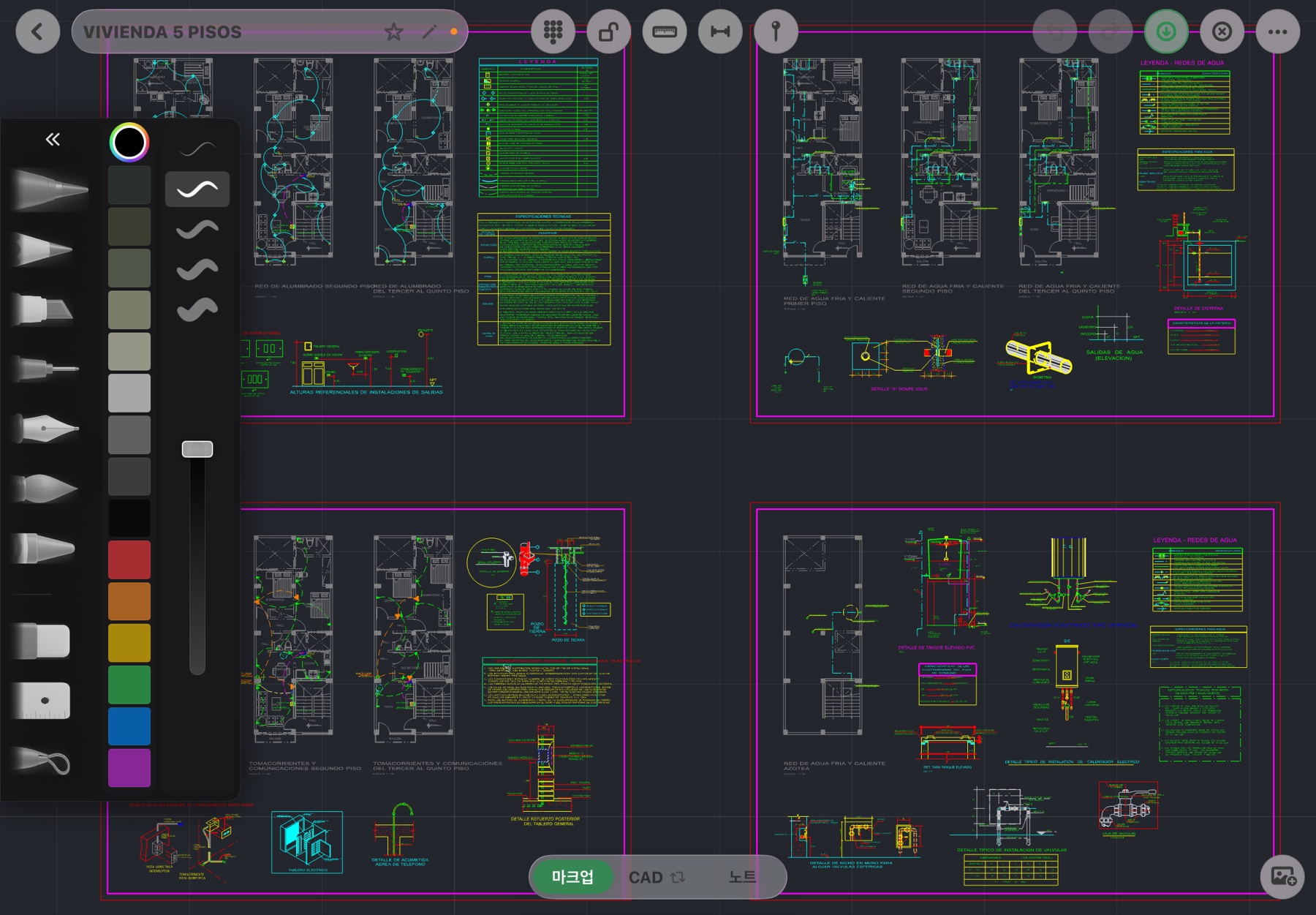
Pen, marker, pencil, eraser, lasso and ruler. Apple Pencil pressure is used as-is, and color and width come from the palette. Undo and redo apply to markup too.
No. Strokes are stored in drawing coordinates, not screen pixels, and widths are in drawing units. They move with the drawing through zoom and pan, and a separate input surface keeps existing ink steady while you draw.
Fingers pan; Apple Pencil draws. The Pencil never pushes the canvas. In one-finger pan mode, lasso, eraser and move still work with the Pencil.
Drop a pin and add a photo and a note. Pins always draw above markup and are locked to drawing coordinates. The pin log is the list, and reports print photo, note and position together.
Add note pages — blank, ruled, dotted, grid, drafting grid — inside the drawing file, so meeting notes and sketches live with the drawing.
Markup ink and pins print into plot PDFs and reports. DXF export carries CAD entities; handwriting travels as PDF, which matches how sites actually work.
Yes. Open the PDF as an underlay, set the scale with two points, and mark up, pin and draft on top.
Both. On white sheet view you write as if on a print; in dark CAD mode you write over the layer colors. Strokes stay put when you switch.
Tap the Markup tab at the bottom to open pen, marker, pencil, eraser, lasso and ruler.
Mark with Apple Pencil, then add photos and notes to pins.
Choose Report in the More menu and print in seven document formats — inspection, instruction, meeting and more.
Download it from the App Store and start today. Monthly plans include a 7-day free trial, and Lite is free until October 14.