Fluxketch
One line
DWG is AutoCAD's binary native format; DXF (Drawing Exchange Format) is the same content written out as text for exchange. Inside the company, DWG. Handing off to another program or device, DXF.
Comparison
| Item | DWG | DXF |
|---|---|---|
| Structure | Binary, changes by version | Text (ASCII), group code / value pairs |
| File size | Small | Same drawing 4–6× larger |
| Programs that open it | AutoCAD and programs with a DWG engine | Almost every CAD, GIS and CAM |
| Layers, colors, weights, linetypes | Kept | Kept |
| Blocks, hatches, dimensions | Kept | Kept (dimension styles vary by program) |
| External references (Xref) | Linked by path | Linked by path (not embedded) |
| When damaged | Hard to recover without tools | Text, so partial recovery is possible |
| On iPad without a connection | Needs conversion (app-dependent) | Fluxketch reads it directly, offline |
Why DXF is bigger
DXF writes every value as text. One coordinate is 8 bytes in binary but as text it becomes two lines — a group code (10) and a value (123456.789012) — as long as its digits. The same drawing grows four to six times, yet the entity count is identical. Whether an iPad app can open it should depend on entity count and device memory, not file size.
When DWG, when DXF
- Between AutoCAD users: DWG. Small and fast.
- To another CAD (BricsCAD, ZWCAD, DraftSight…): both open, DXF is the safe bet.
- To iPad or mobile: save as DXF (2018 ASCII) and any app opens it offline.
- To laser, CNC or GIS: DXF. Most accept only DXF.
- Archiving: keep both, and any future program will open one of them.
Check before converting
- Unit. Many DXFs have an empty $INSUNITS header. The opening side must ask.
- Version. For older programs save as 2000 or 2004 DXF. Newer elements (multileaders and so on) don't exist in old versions.
- External references. Xrefs aren't embedded. Bind (insert) them before handing off.
- Fonts. SHX and TTF fonts aren't in the file. If the opening side lacks them, a substitute is shown.
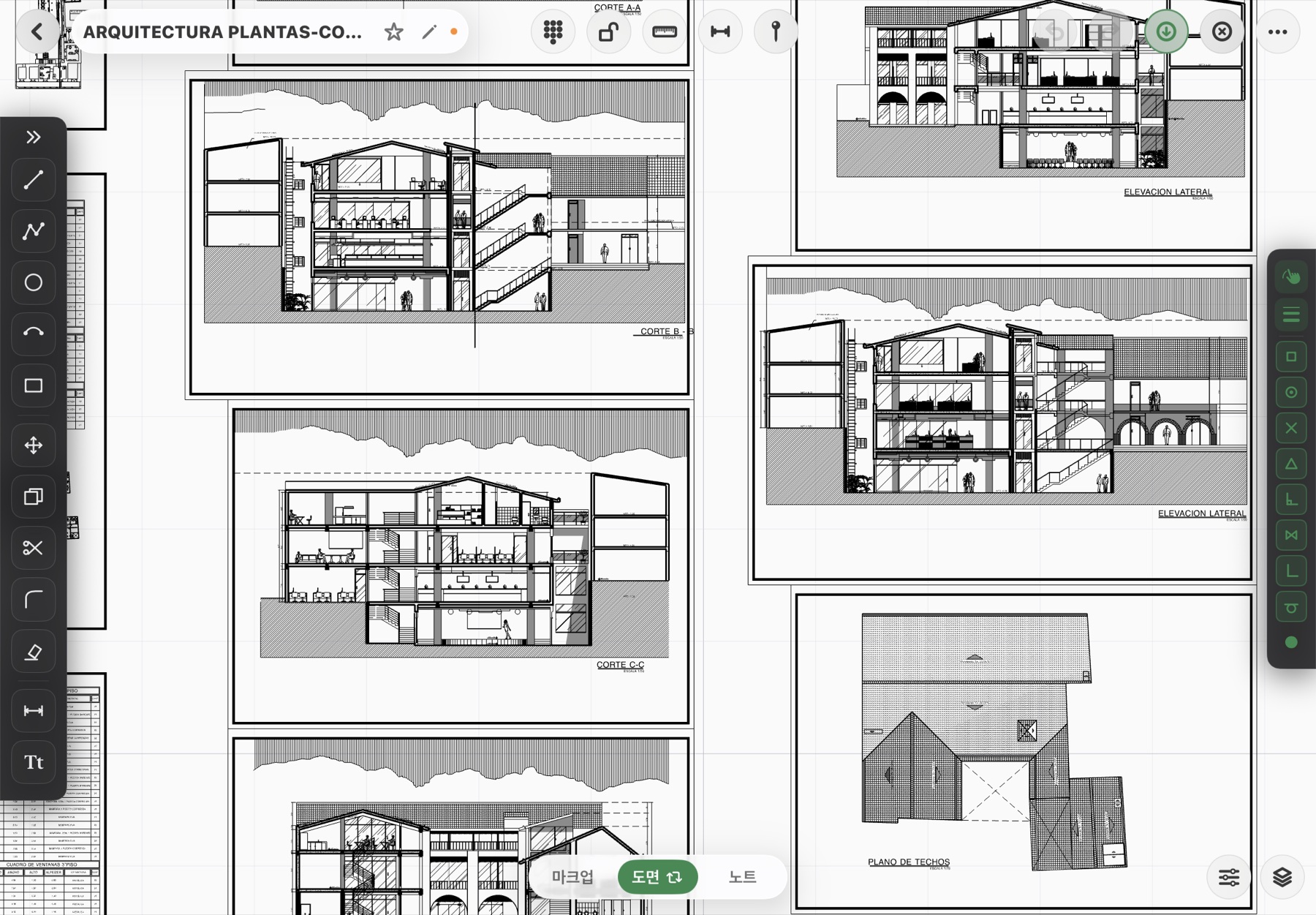
The iPad choice
Save as DXF before leaving for site and it opens with no connection. If all you have is DWG you need an app that opens it directly, and what matters is whether layers and linetypes survive conversion and whether skipped elements are reported. Details in How to open DWG files on iPad.
Fluxketch reads DXF directly on iPad (offline) and converts DWG to open it. Edits go back as DXF.
Download on the App Store